
Checkbox
The Checkbox field is a standard input field which allows you to define the checked and unchecked values. You can also choose the text beside the checkbox.
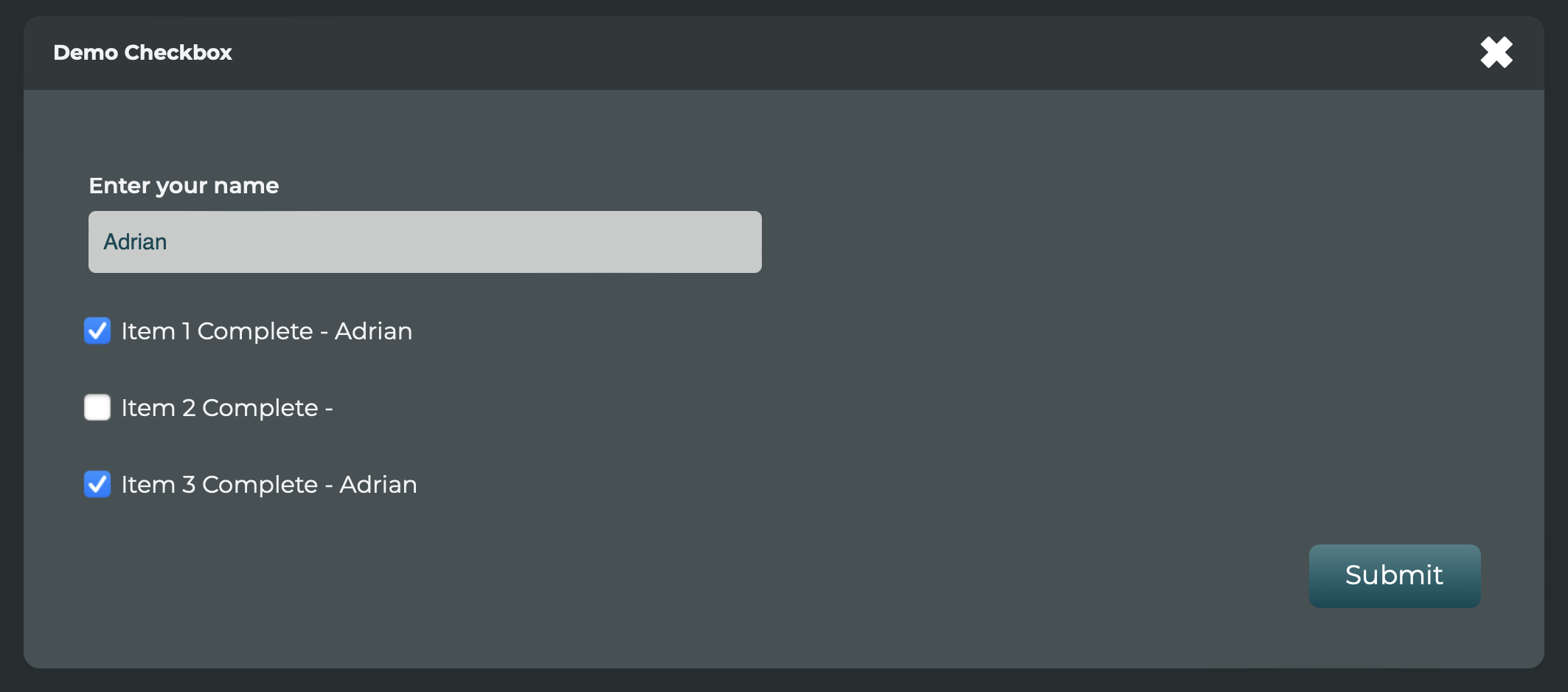
There is also a unique feature in this field where you can dynamically change what the checked value would be. This feature is designed to change the purpose of the checkbox from a Yes/No to various values that may change based on the user activity.


Initial Parameters
| Parameter | Description |
|---|---|
| Checked Value | The value that gets saved when the box is ticked (default is 1) |
| Unchecked Value | The value that gets saved when the box is not ticked (default is 0) |
| Text that will appear beside the checkbox | The text that will appear on the right of the box. The default is the field name. |
| Populate Checked Value with other local data. | As described above, by selecting a field here, the checked value will become the value of that selected field. The unchecked value will be blank. |