
Manage Blocworx Instances
This section is for Super User level admins. It designed for creating new instances.
Please note, to avail of this feature you must be a Blocworx Reseller, please contact us at info@blocworx.com for more information about this. You will need to work with our team to be able to use everything below.
The requirements for feature are as follows:
- You have super user level access
- You have been put on your own database/project allowing you to create instances on the fly
- Have a domain name where all subdomains for that domain are pointing to our server, i.e. an A Record where *.domain is pointing an IP that we will provide.
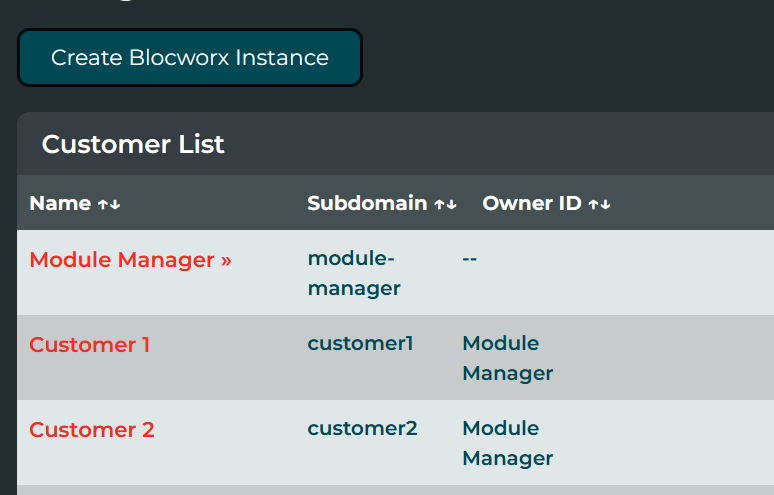
Creating an instance
Assuming the requirements above are met, you can create an instance by clicking "Create Blocworx Instance".
- Enter the Company name
- Enter the subdomain that will load the instance. Please ensure not to have spaces in the subdomain.
- Enter an email address (currently this address is just for record keeping and has no associated functionality).
- Optionally choose an "Owner". An Owner is another instance, which can pass its modules to the child instance. More Information below about Parent and Child Instances.